
CII XML invoice rendering preferences
If you process Cross-Industry Invoice (CII) XML invoices, you can choose whether to view the original invoice image or an invoice image rendered from the XML data.
The Render CII XML invoices (ZUGFeRD, Factur-X, and XRechnung) using the official stylesheet setting controls how Tungsten AP Essentials displays and exports CII invoices. This setting affects ZUGFeRD, Factur-X, and XRechnung invoice formats. Use this setting to choose between using the original invoice image or generating a standardized rendered image from the XML data.
When the setting is disabled
When this setting is disabled, Tungsten AP Essentials displays and exports invoices as follows:
- The original PDF is displayed as the invoice image in AP Essentials Office and used for PDF or TIFF exports.
- Attachments embedded in the ZUGFeRD/CII XML remain in the PDF and are not extracted to the Attachments tab.
- For ZUGFeRD PDFs, the original PDF remains the main invoice image, whereas for pure XML, P7M, or OFD files, the XML content is not rendered for display.
When the setting is enabled
When this setting is enabled, Tungsten AP Essentials displays and exports invoices as follows:
- The invoice image is rendered from the XML and displayed in AP Essentials Office and used for PDF or TIFF exports.
- Attachments embedded in the ZUGFeRD/CII XML are extracted to the Attachments tab (requires the Storage service).
- For ZUGFeRD 2.x PDFs, the original PDF becomes an attachment and the XML-rendered version becomes the main invoice image, whereas for pure XML, P7M, or OFD files, the XML content is rendered directly as a PDF for display.
The rendered invoice image includes a disclaimer stating that the image is software-generated from the XML data. This disclaimer is part of the official xRechnung visualization stylesheet.
Comparison of setting behaviors
| When the setting is disabled | When the setting is enabled |
|---|---|
| The original PDF is displayed as the invoice image in AP Essentials Office and used for PDF or TIFF exports. | The invoice image is rendered from the XML and displayed in AP Essentials Office and used for PDF or TIFF exports. |
| Attachments embedded in the ZUGFeRD/CII XML remain in the PDF and are not extracted to the Attachments tab. | Attachments embedded in the ZUGFeRD/CII XML are extracted to the Attachments tab (requires the Storage service). |
| For ZUGFeRD PDFs, the original PDF remains the main invoice image, whereas for pure XML, P7M, or OFD files, the XML content is not rendered for display. | For ZUGFeRD 2.x PDFs, the original PDF becomes an attachment and the XML-rendered version becomes the main invoice image, whereas for pure XML, P7M, or OFD files, the XML content is rendered directly as a PDF for display. |
Benefits
This setting lets you choose between two processing approaches:
- Using the original invoice image
- Preserves original formatting.
- Using a standardized rendered image from the XML data
-
Provides the following benefits:
- Ensures the displayed image matches the authoritative invoice data in the XML. Because there is no validation that the PDF corresponds to the XML, the PDF and XML may contain conflicting information.
- Provides consistent formatting across different invoice formats.
- Ensures all data from the XML is visually represented.
- Better for automated processing.
- Meets legal requirements in some countries (such as Germany) to display the XML data.
Rendered invoice image
When this setting is enabled, Tungsten AP Essentials uses the official xRechnung visualization stylesheet to render the invoice image from the XML data. This stylesheet is maintained by KoSIT (Coordination Office for IT Standards) and is the standard visualization tool for xRechnung invoices in Germany.
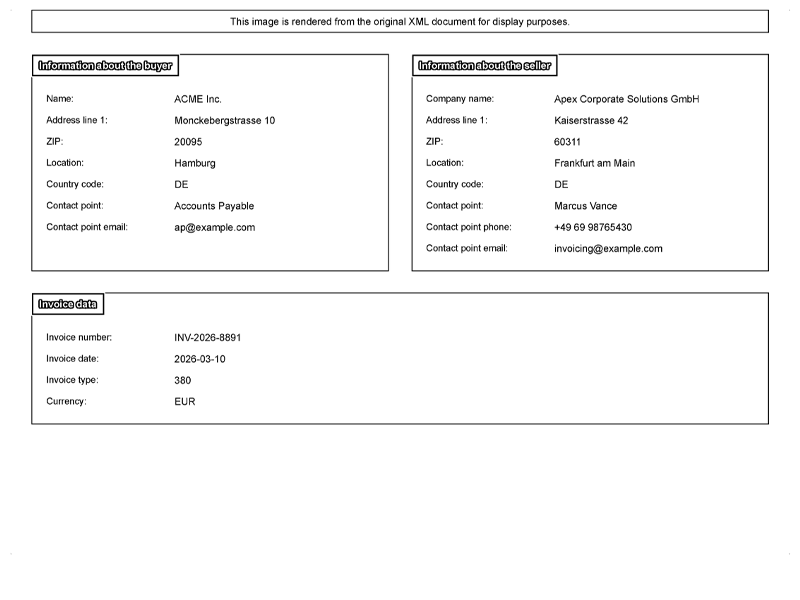
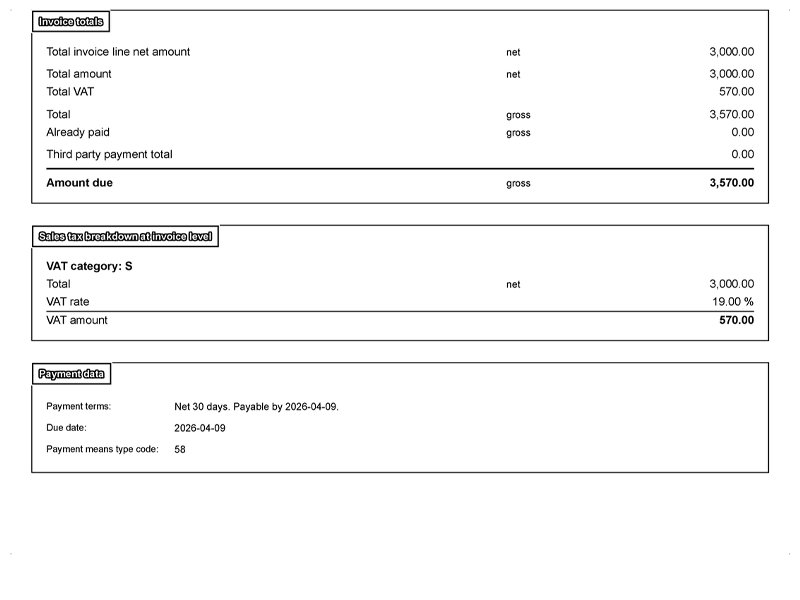
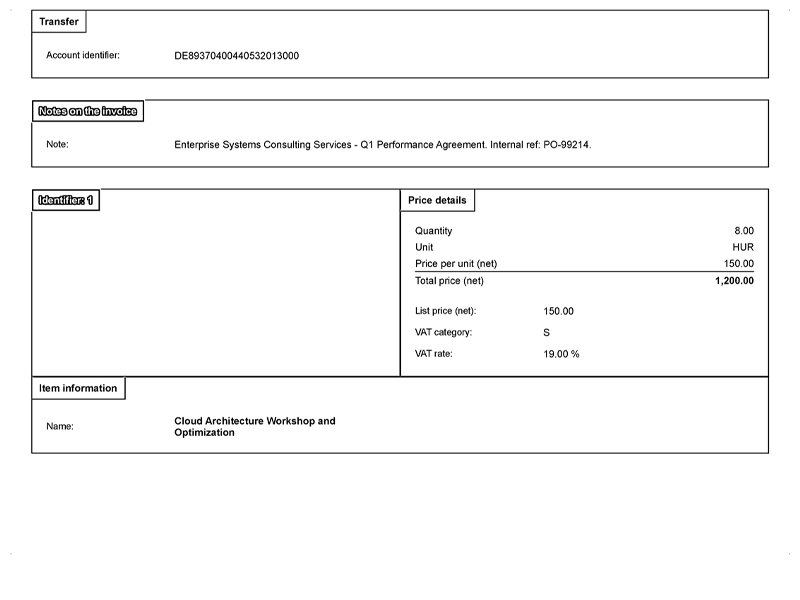
The xRechnung visualization stylesheet transforms the structured XML invoice data into a human-readable PDF format. The rendered image displays all invoice information in a standardized layout, including:
- Invoice header information (invoice number, date, supplier, and buyer details)
- Line items with descriptions, quantities, and prices
- Tax calculations and totals
- Payment terms and banking information
- Any additional notes or references
The rendered image includes a disclaimer at the top stating that the document is software-generated from the XML data and is not the original supplier document.
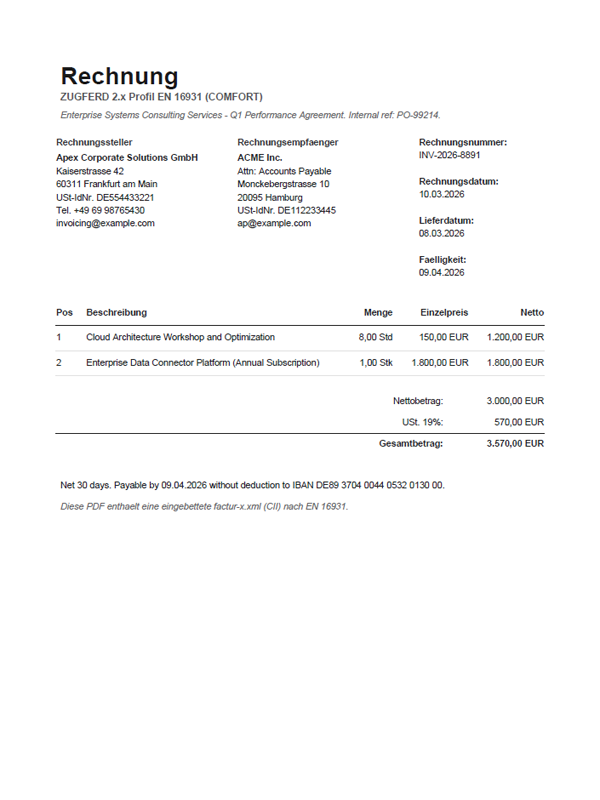
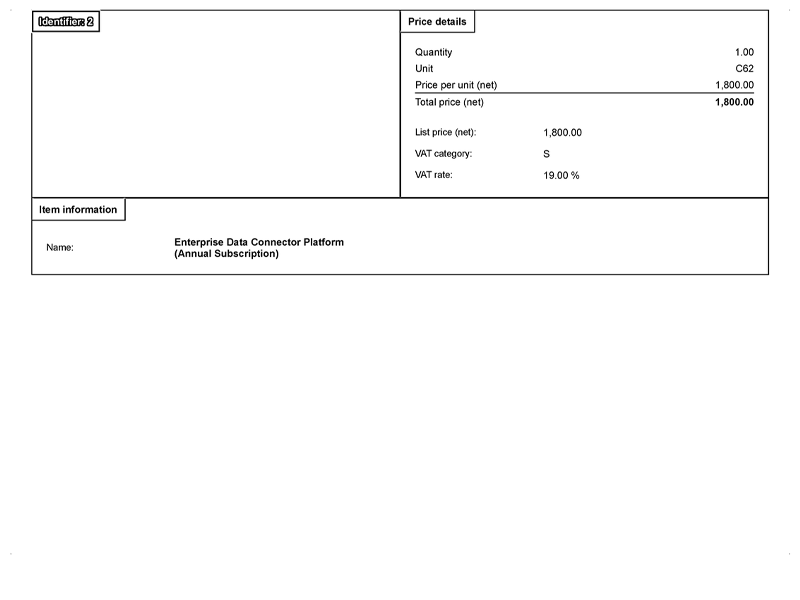
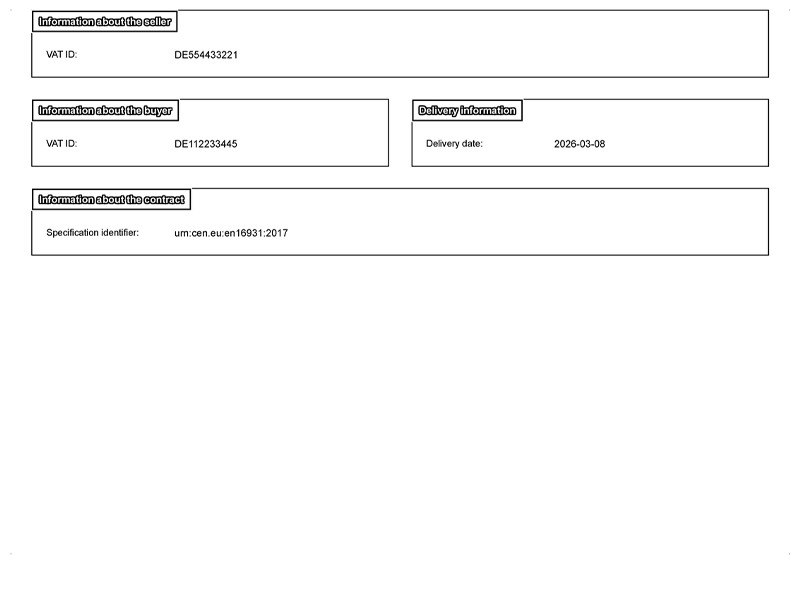
The following images show examples of rendered invoice images compared to original PDF invoice images. The rendered images have a consistent, standardized appearance, while original PDFs may vary in layout and design depending on the supplier.
A standard invoice image.
The same invoice rendered from XML can span several pages.
Attachments
When this setting is enabled and Storage service is enabled, all embedded attachments (including the original ZUGFeRD PDF) are extracted and appear in the Attachments tab. This lets you review the original PDF if needed while relying on the XML data as the authoritative source.
Related information
For information about field mapping for these invoice formats, refer to ZUGFeRD, Factur-X, and XRechnung field mapping.