
Update Dynamics AX service operations
This procedure shows how to update Dynamics AX service operations.
Since Microsoft no longer supports Dynamics
AX, the Dynamics AX 2012 integration is no longer maintained or
supported.

- Select the Service operations button and use the dialog that appears to add all of the RsoIntegrationService operations to the Selected service operations list. Because you are updating an existing integration, it is possible that all of the RsoIntegrationService operations are already listed in the Selected service operations list.
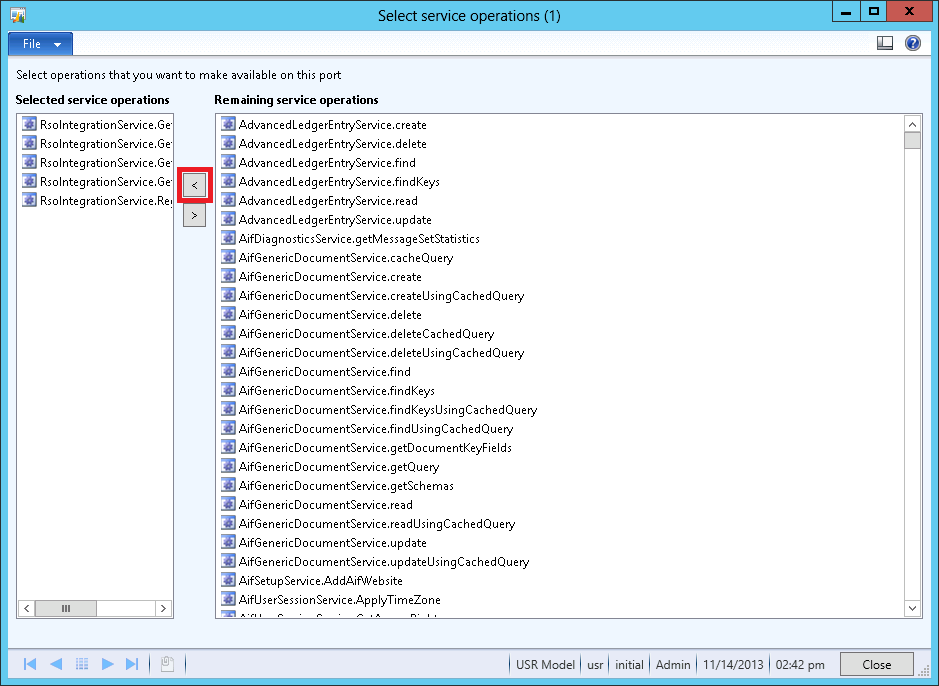
- Select Close to close the dialog.
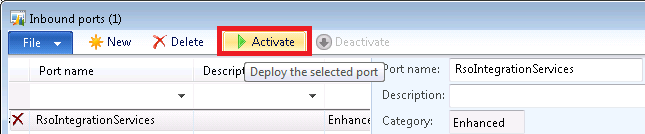
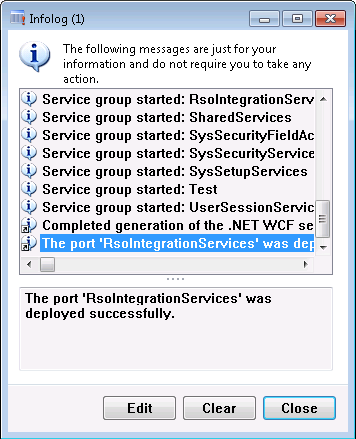
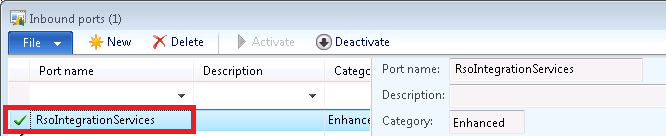
- Select Activate to activate the inbound port.
- In the Dynamics AX client, navigate to .
- Select RsoIntegrationServices, and then select Deactivate.