
NetSuite: Production usage
When processing invoices, you use Tungsten AP Essentials to handle the following:
- Receiving (uploading) and extraction.
- Verification.
- Account coding of non-PO invoices.
- Transfer and registration of invoices in NetSuite.
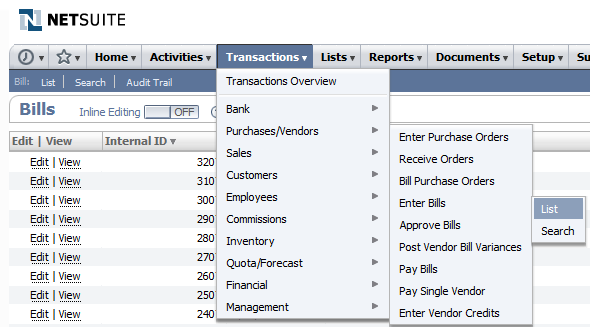
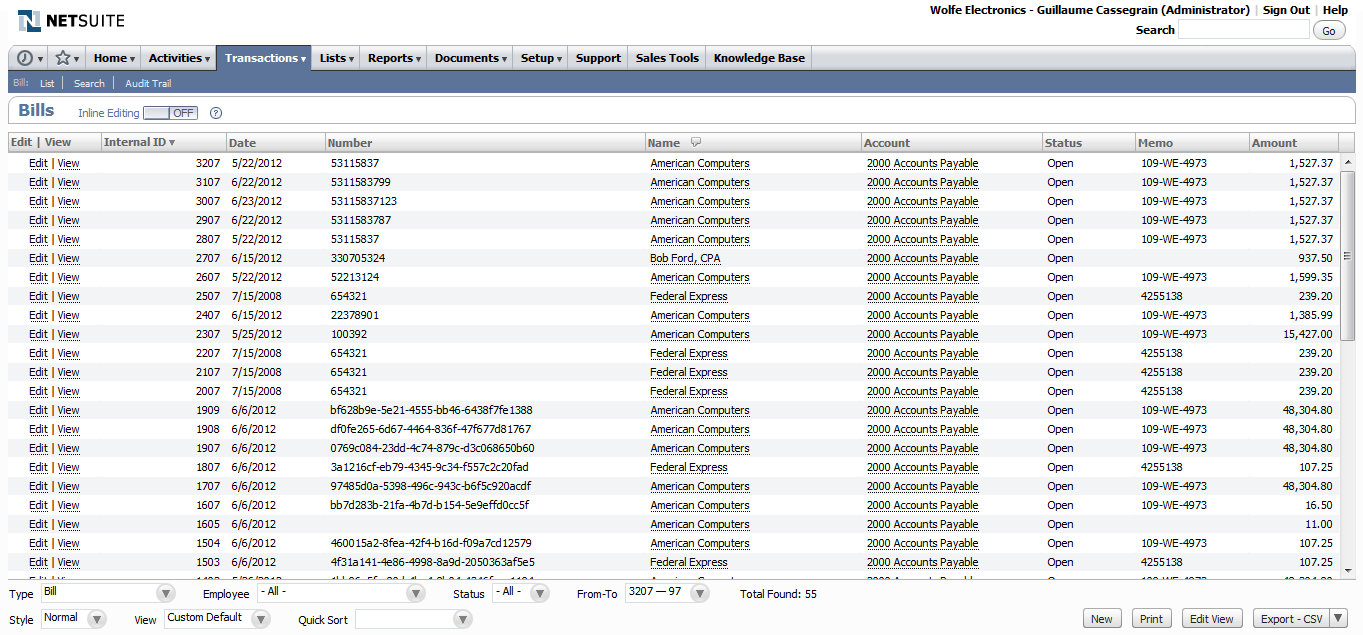
After an invoice is sent from AP Essentials to NetSuite, you can find registered vendor bills in .
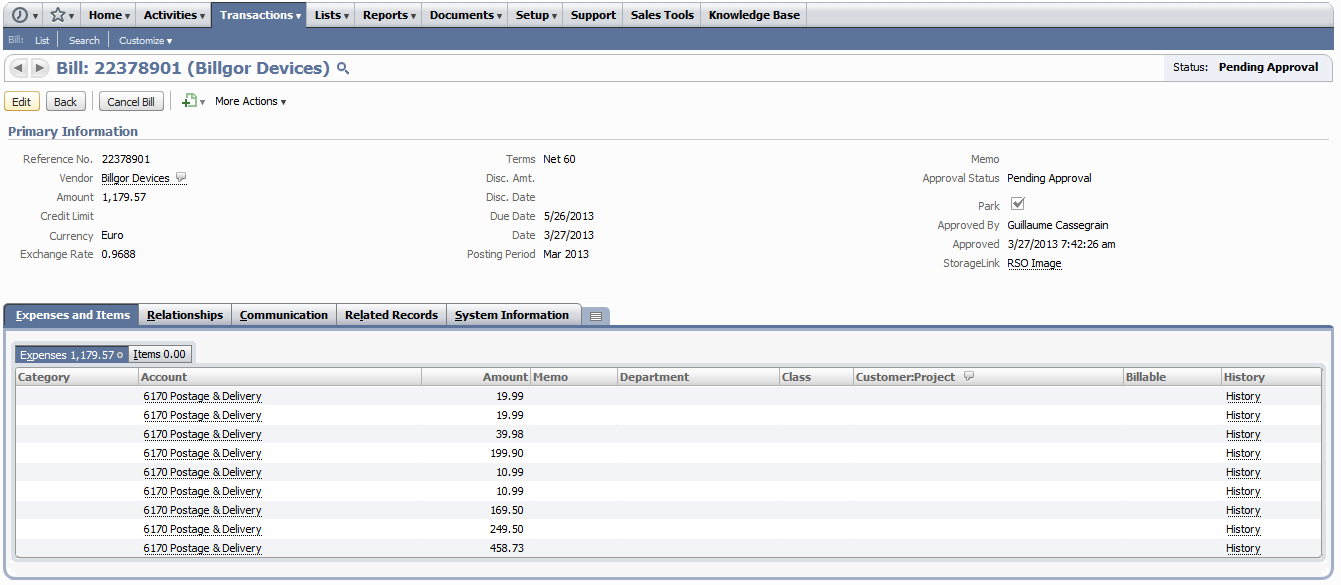
Vendor bills posted with expenses appear as follows:
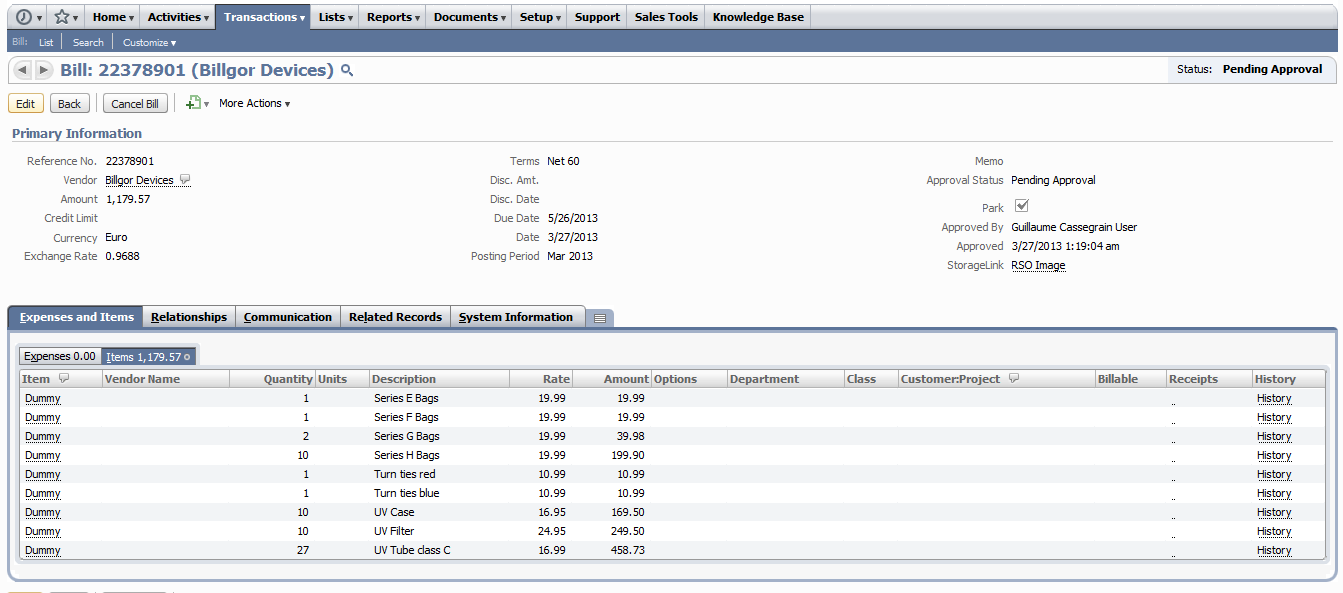
Vendor bills posted with items appear as follows:
You can view vendor-bill images by selecting .
