NetSuite: OneWorld extensions
If you use NetSuite OneWorld, you must use buyers in Tungsten AP Essentials to represent subsidiaries in NetSuite.
Buyers
If you use NetSuite OneWorld, you must use buyers in Tungsten AP Essentials to represent subsidiaries in NetSuite. Each subsidiary must have a corresponding buyer. When you add a buyer, ensure the External ID in Tungsten AP Essentials matches the internal ID of the NetSuite subsidiary.
Locations
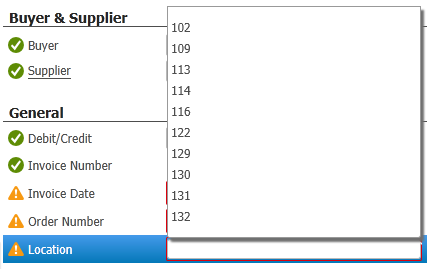
If your solution requires a location field to register a vendor bill or vendor credit, add a custom field using these settings:
| Name | Location |
| Display name | Location |
| Type name | location |
| Type | String |
| Enforce validation | selected |
| Use master data to suggest field values | selected |
| Use master data to validate the field value | selected |
Use the settings shown above; however, you can choose your own Display name.
After you specify the location field settings, Office users can choose the appropriate location value when verifying invoices.