
Configure AP Essentials Connect for output download
If the Output to target system service is enabled in AP Essentials, and the target system is XML locally, you can use AP Essentials Connect to download processed document data and images from AP Essentials to a local server.
Admin users must have the Process
documents privilege to see this dialog and download output data
using AP Essentials Connect.
The availability of this dialog varies, depending on your role and setup.
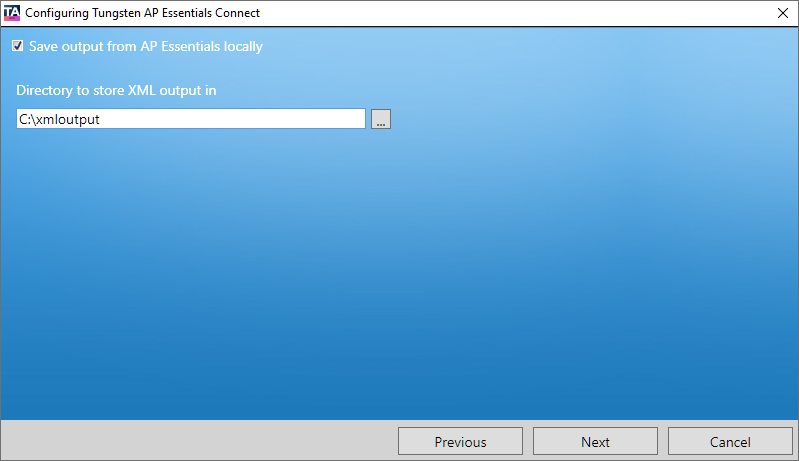
- Save output from AP Essentials locally – Specifies whether you use Downloading output data to download processed document data to a local folder.
- Directory to store XML output in – Specifies the folder where you want the output files to be saved. If you are a partner admin or partner user, subfolders are automatically created for each customer account.
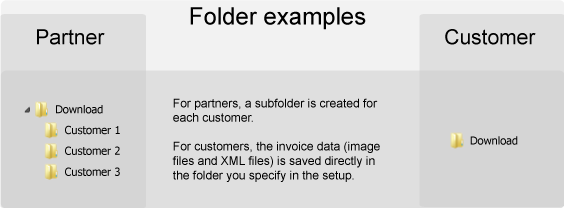
In this example, the Directory for storing XML output is named Download.